Subscribe for exclusive deals.
We do not share or sell your information.

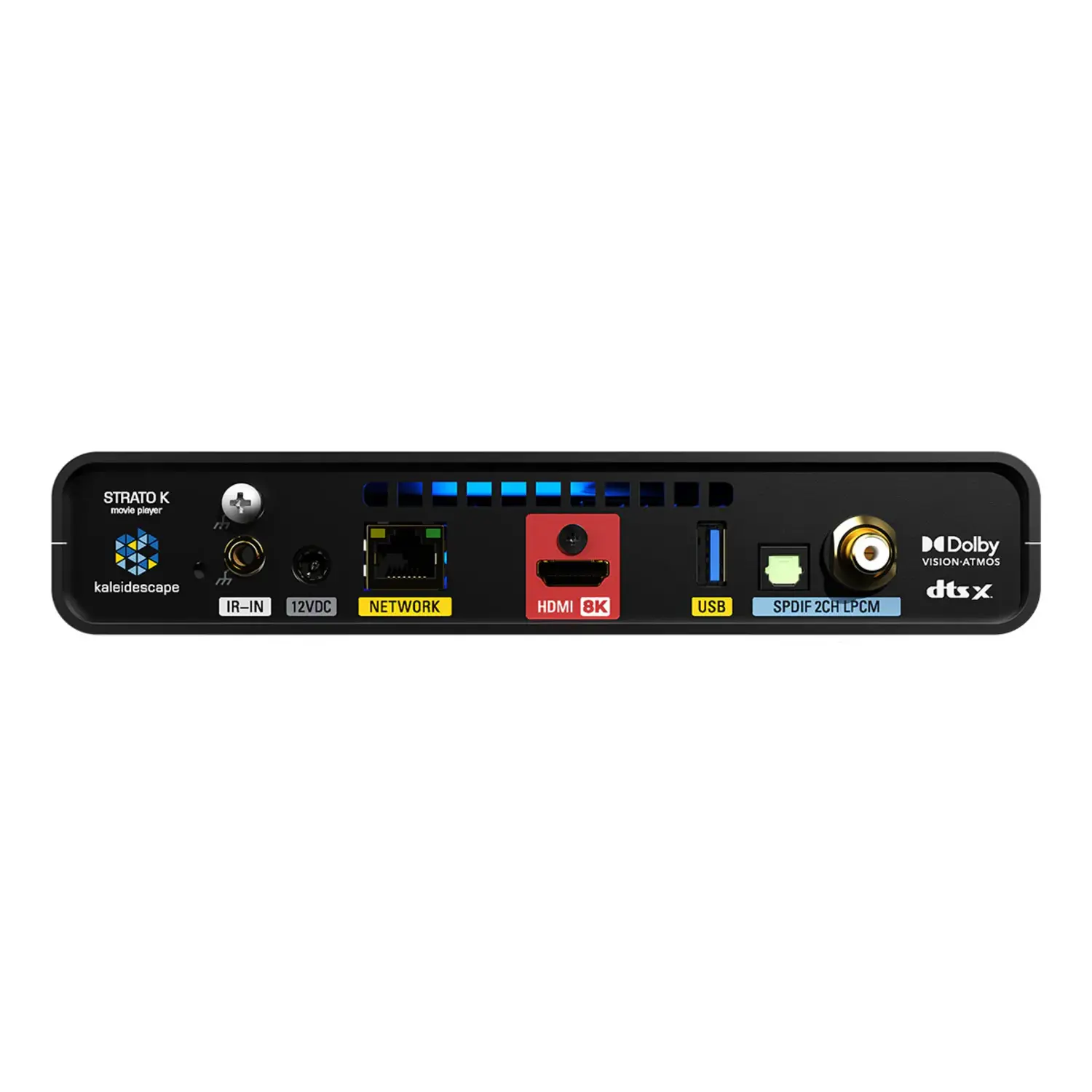




Kaleidescape just released their new flagship movie player, the Strato K. It's their first player with native 8K playback, and the first Kaleidescape player ever to be certified by the 8K Association. But that's not even the real headline here. Kaleidescape has taken 4K itself to the next level with a brand new format called 4K Cinematic, which delivers dramatically more color detail with chroma sampling up to full 4:4:4. Pack in that much extra color information and you end up with a much larger file, and a much larger file played back over the same runtime means a much higher bitrate. That bitrate increase is really what's driving most of what makes this player look as good as it does, and we're going to break down exactly why, along with everything else that's new.
What Is Kaleidescape?
If you're new to Kaleidescape, here's the quick version. Kaleidescape's been doing this for almost 25 years now, and it's the world's only high-fidelity movie library, offering movies, TV series, and concerts with reference-quality video and full lossless audio. Movies are downloaded to a local server rather than streamed, so there's no buffering, no compression artifacts, and no ads. Once a movie is downloaded, you don't even need an internet connection to play it back. They've built their reputation as the highest quality way to watch movies at home. If you want the full picture of how the ecosystem works, players, servers, and everything in between, check out our complete Kaleidescape overview. For this article, just know that the Strato K now sits at the very top of that lineup as Kaleidescape's new flagship player.
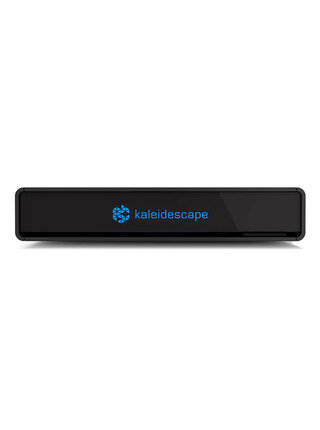
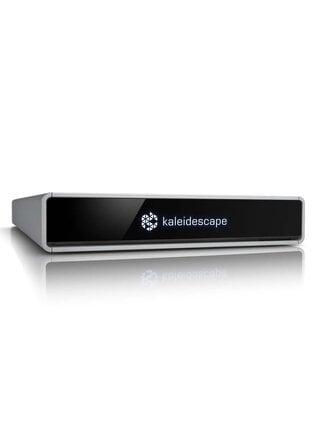
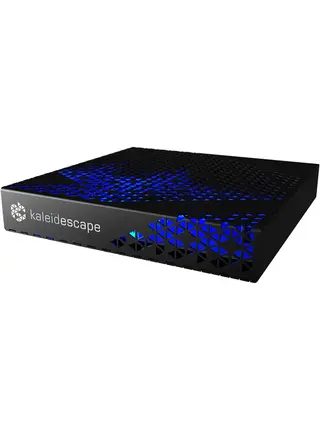
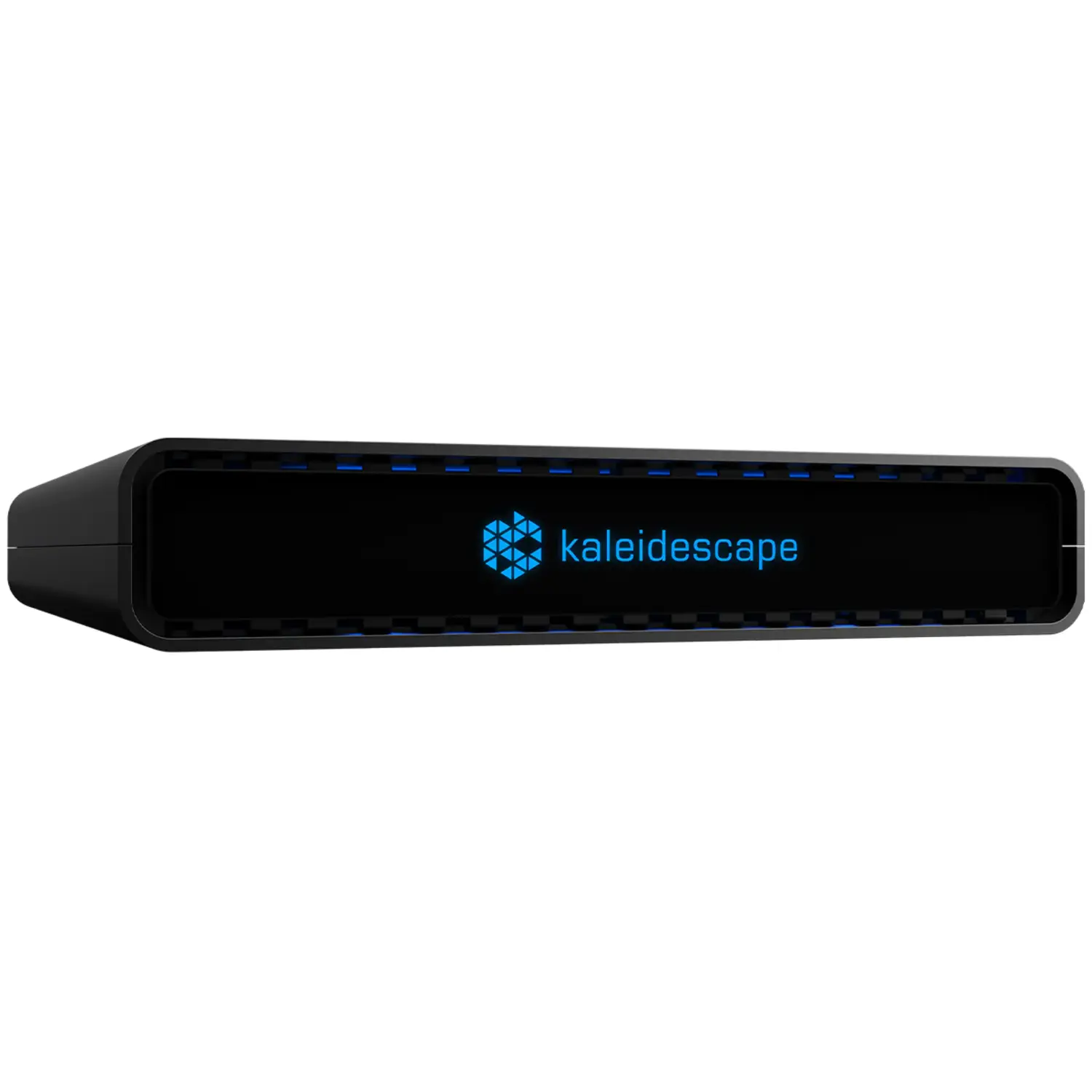
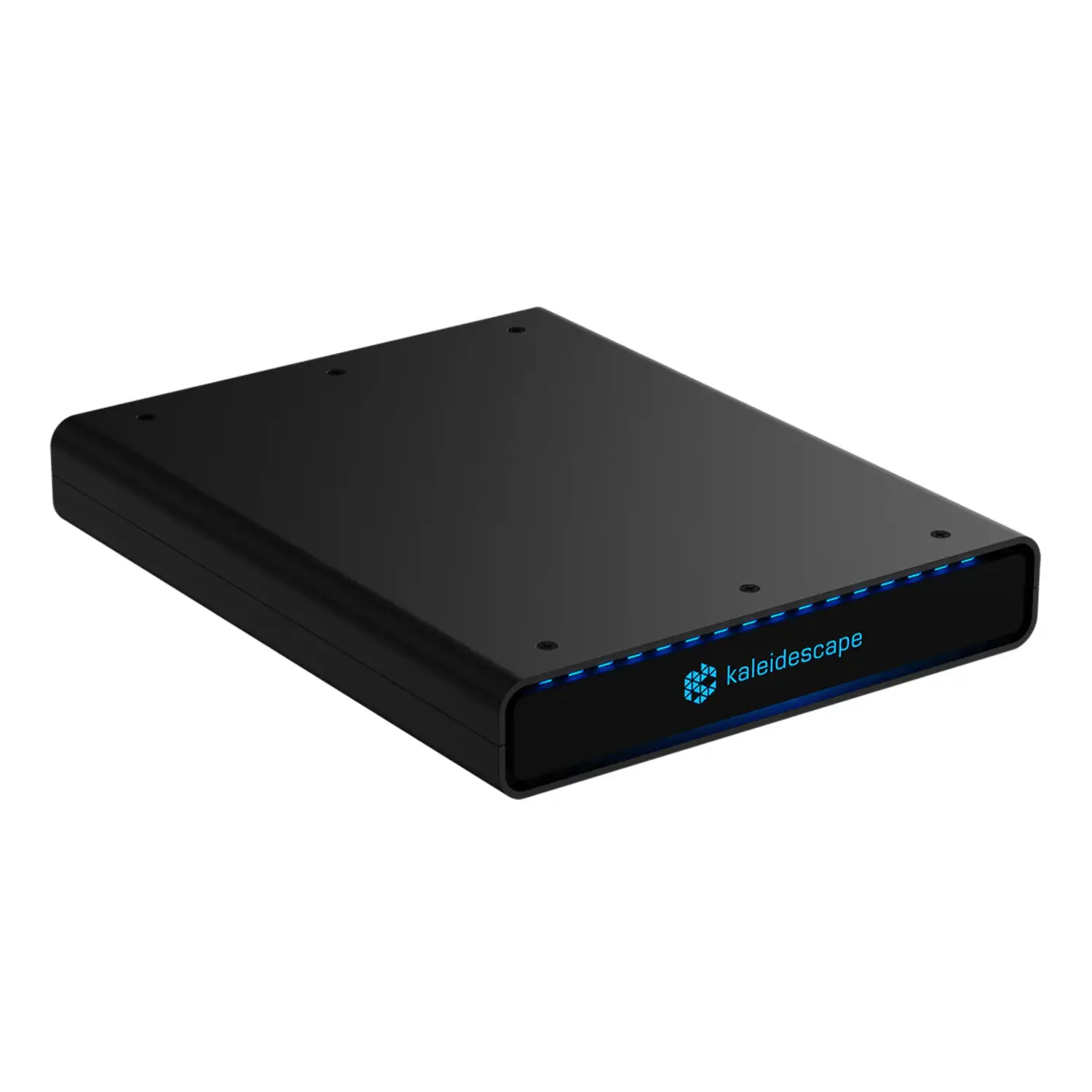
Physically, the Strato K is about the size of a thick hardcover book, with a black anodized aluminum chassis and a glass front panel that glows blue with the Kaleidescape logo, similar in design to the Strato V. What sets it apart from everything else in Kaleidescape's lineup is that 4K Cinematic, with this much color information, and native 8K playback have never existed in a home video product before. Below, we break down what both of those actually mean, what it looks like in practice, and what this release means if you already own a Kaleidescape system.
What means 4K Cinematic?
4K Cinematic is Kaleidescape's brand new video format, & the first thing worth knowing is that it isn't a setting or a mode you switch on. It's a completely separate file. Kaleidescape went back and created new versions of these movies from the ground up, so a 4K Cinematic download is a different file from the standard 4K version of that same movie.
Chroma Subsampling Explained: 4:2:0 vs 4:2:2 vs 4:4:4
4K Cinematic's real upgrade is something called chroma subsampling. Most 4K video, whether that's a 4K Blu-ray, a streaming service, or even standard Kaleidescape 4K, uses 4:2:0 chroma. That means only one out of every four pixels carries its own unique color information, while the rest borrow color from their neighbors.
On its own, most people don't consciously notice the difference between 4:2:0 & full 4:4:4 chroma, where every pixel gets real color data, during everyday viewing. Where it actually shows up is in specific situations: gradients in skies, subtle color transitions, and scenes with a lot of saturated color or HDR highlights. These are the kinds of places where lower chroma resolution can cause visible banding or posterization, even when everything else in the frame looks sharp. 4K Cinematic retranscodes movies from the studio master files using either 4:2:2 or full 4:4:4 chroma.
How More Color Leads to a Higher Bitrate
Here's where it connects back to bitrate. All that extra color data means the files themselves are bigger, roughly 50 percent larger than a standard Kaleidescape 4K file. And because bitrate is really just file size spread out over time, a bigger file played back over the same runtime means a higher bitrate. A 4K Cinematic file averages around 110 megabits per second. Standard Kaleidescape 4K runs around 75 Mbps. A 4K Blu-ray disc, which used to be the gold standard, averages around 60 Mbps. Typical 4K streaming, even from the major services, usually sits around 16 Mbps.
Once you're already at 4K resolution, bitrate is the number that actually moves the needle. More data per second means less compression, and less compression means fewer of the things that quietly hold standard 4K back: banding in gradients, mushy detail in dark or busy scenes, and edges that look a little soft around high contrast areas.
So the color and the bitrate aren't really two separate stories, the higher bitrate is a direct result of the richer color information. As far as we know, full 4:4:4 chroma at this kind of bitrate has never been delivered to a home video product before. This is new ground for the entire industry, not just for Kaleidescape.
Same Price, Bigger Files , more true cinema
Despite those bigger files, here's the part that surprised us: Kaleidescape is pricing 4K Cinematic titles the same as standard 4K. You're not paying more for the upgrade. If a 4K Cinematic version of a movie exists and you have a Strato K, the store automatically gives you that version at the same price as the regular 4K release.
What 4K Cinematic Looks Like in Your Home Cinema
So what does all of this actually look like when you sit down to watch something? Less banding in gradients, skies, fog, and dark scenes. Cleaner motion during fast action, because the display has so much more information to work with frame to frame. Richer, more accurate color, especially in scenes that would otherwise show some posterization. Cleaner edges without the slight fringing or halo you sometimes get around high contrast detail. And if you're watching on a large screen or a projector, all of this becomes more noticeable, not less, since bigger screens make compression artifacts and banding more obvious.
We got a demo unit in ahead of launch specifically so we could see this for ourselves, and everything described above held up on our reference displays. Gradients that would normally show some banding were smooth, color in HDR scenes looked noticeably cleaner, and the overall picture had a density to it that's hard to put into words until you've seen it next to standard 4K side by side. One caveat worth noting: to really appreciate the difference, you want a high-end TV or projector that can actually resolve that extra data. On a more basic display, some of that advantage gets lost simply because the panel can't reproduce it.
There's also a real benefit for HDR. With more data per frame, your display can do a much better job of tone mapping, the process of translating the HDR information in the file to what your specific TV or projector can actually produce. That means more accurate highlights, smoother transitions from bright to dark, and fewer artifacts in scenes that are usually tough, think neon signs, explosions, or anything with a lot of specular highlights.
How Many 4K Cinematic Titles Are Available?
This isn't a feature you'll have to wait months for. Kaleidescape is launching with somewhere in the range of 150 to 200 4K Cinematic titles already available, starting with a lot of the most popular movies in their library, and they'll continue adding more new release and catalog titles going forward. The 4K Cinematic versions of these titles are already sitting in Kaleidescape's store right now. You just need a Strato K to unlock them. Once you connect one to your account, the store automatically detects it and starts serving you the 4K Cinematic version of a title whenever one exists, so you're never hunting for it. There's also a video quality filter in the store if you want to browse specifically for 4K Cinematic or 8K titles.
Which Kaleidescape Players Support 4K Cinematic at this moment?
4K Cinematic titles only play on a Strato K. Decoding a 4K stream at over 100 Mbps with full 4:4:4 chroma takes real processing power, which is part of why this player needed a new system on a chip. If you have a Strato V, Strato E, or Strato C, those players will keep doing everything they've always done, but they won't get this new format.
Native 8K: Do You Need an 8K TV?
A lot of people are going to hear "8K player" and assume more resolution is the whole point. Here's an honest caveat. There's a good amount of research showing that for most people, in a normal living room or theater, the jump from 4K to 8K resolution alone is really hard to see. Your eyes can't resolve much more detail than 4K already provides at typical seating distances, unless you've got a massive screen or you're sitting unusually close. So if 8K were just "more pixels," we wouldn't blame you for shrugging.
But that's not really what's interesting about 8K here. Kaleidescape's 8K movies are sourced from real 8K mezzanine files, the densest, most complete mezzanine master files used in professional post production, not upscaled from 4K. Even when the Strato K takes that file and downscales it to 4K for your display, what comes out the other end is a 4K image built from an even richer source than a 4K Cinematic master, same idea, just one step further back in the production chain. For most people, the real benefit of 8K source material isn't that you'll see 8K resolution, it's that the 4K you get out of it has even more headroom than 4K Cinematic on its own. If you've got a massive screen, or a projector setup where you're sitting closer relative to screen size, that's where the resolution side of 8K starts to matter on its own too.
One more practical note: very few theatrical titles are actually available from studios in true native 8K right now, at least at launch. Mastering and distributing files that large takes time, so don't expect a huge native 8K library on day one, though that should grow over time. For anyone with an 8K display, the Strato K's onscreen menus render in 4K and get upscaled to 8K, so navigation stays clean and sharp. Also worth knowing, Dolby Vision tops out at 4K on this player, while HDR10 is supported all the way up to 8K, so a true 8K HDR title will be in HDR10 rather than Dolby Vision.

Kaleidescape clearly didn't treat the Strato K as just a software update in a recycled box. The chassis is black anodized aluminum, the front panel is high-strength glass about 3 millimeters thick, and inside there's a solid-state drive paired with a new system on a chip powerful enough to handle 4K Cinematic and native 8K decoding, sitting under its own dedicated heatsink. The connectors are gold-plated HDMI and gold-plated six-contact RCA, with silver plated copper alloy construction throughout.
It's small too, about 7.87" wide, 1.52" tall, & 10" deep, weighing about 3 pounds. Power consumption is impressively low, around 6.8 watts typical, dropping to 4.1 watts at idle and 0.2 watts in standby. For most installations it's completely silent, with a small backup blower that only kicks in if it's mounted somewhere warm like an enclosed cabinet, and even then it's rated at just 17 decibels.
If you're integrating this into a rack, there's a rack shelf available that fits one or two Strato K players into a single 1U space, and there's also a wall mount if you'd rather tuck it behind a TV.
Audio Quality: Full Lossless Decoding
Picture quality is the headline of the Strato K, but the audio side doesn't cut any corners either. It supports full lossless decoding for Dolby Atmos, DTS:X, Dolby TrueHD, DTS-HD Master Audio, Dolby MAT PCM, and PCM up to 7.1 channels at 96kHz/24-bit, all over a single HDMI 2.1 connection at up to 24 Gbps with HDCP 2.3.
If you're running an older system with an audio processor or soundbar that can't decode TrueHD or DTS-HD, you can switch the output to PCM Stereo, which activates the digital coax and optical outputs for a simple two-channel connection. That makes the Strato K a good fit for systems that aren't fully built out yet, or for a simpler secondary room.
Storage, Standalone Mode, & Expanding Later
The Strato K has enough onboard storage to hold around seven 4K Cinematic titles, or about ten standard 4K titles, right on its internal drive, double the download capacity of a Strato E. That means you can buy a single Strato K, set it up as a standalone system, and start watching movies in the highest quality Kaleidescape offers without needing a server at all. Downloads are fast too, a movie typically downloads in about 10 minutes over a gigabit connection, even while you're watching something else at the same time.
Storage management is handled automatically. Once you've watched something and it's been sitting in your Played collection for 48 hours, it becomes a candidate for offloading to make room for new downloads. If there's a movie you want to keep around, just add it to Favorites and it won't get touched. Rentals work the same way, you can rent titles from the Kaleidescape store and they'll clear themselves out automatically once they expire.
You can add a Terra or Terra Prime movie server at any point, and the Strato K converts from standalone mode to grouped mode, pulling from the server instead just like any other player in a multi-zone system. Adding a server gives you immediate access to your entire library and unlocks other features too, like the iconic cover shuffle.
If you already have a Kaleidescape system built around a Terra server with other Strato players, adding a Strato K as a new zone is currently the only way to get 4K Cinematic or 8K playback anywhere in that system. Your other players keep working exactly as they do now, but the Strato K becomes your highest quality zone.
One quick installation note: the Strato K connects over wired gigabit ethernet only, there's no Wi-Fi, so make sure there's a network drop wherever it's going. There's also no remote included in the box. The free Kaleidescape mobile app works as a full remote, or you can add a physical remote separately if that's your preference.
Where the Strato K Fits in Kaleidescape's Media Player Lineup
Strato K does everything Strato C and Strato V do, then adds 4K Cinematic and native 8K on top of that. If you're trying to decide between players in that range, the Strato K is the one we'll point most people toward going forward. Strato E still holds its place as the most affordable way into the 4K Kaleidescape ecosystem, but for everything above that, Strato K is now the easy recommendation.

What is 4K Cinematic?
4K Cinematic is Kaleidescape's new video format, retranscoded from studio master files at an average bitrate of around 110 Mbps with up to full 4:4:4 chroma. It's currently the highest fidelity 4K format available for the home, exceeding 4K Blu-ray.
What's the difference between 4K Cinematic & standard Kaleidescape 4K?
4K Cinematic uses roughly 50 percent more data than standard Kaleidescape 4K & upgrades chroma sampling from 4:2:0 to 4:2:2 or full 4:4:4. The richer color information is what drives the higher bitrate, resulting in less banding, more accurate color in gradients and HDR highlights, and cleaner detail in dark or complex scenes.
Is the Strato K certified by the 8K Association?
Yes. The Strato K is the first Kaleidescape player ever to receive 8K Association certification.
Do I need an 8K TV to benefit from the Strato K?
No. Most of what makes the Strato K's picture quality stand out, 4K Cinematic, comes through on any good 4K display. True native 8K titles are limited at launch, and even those are often downscaled to a richer 4K 4:4:4 image rather than displayed at full 8K resolution.
Can my Strato V, Strato E, or Strato C play 4K Cinematic or 8K content?
No. 4K Cinematic and native 8K playback are exclusive to the Strato K. Decoding these formats requires a new system on a chip that earlier Strato players don't have.
Does a 4K Cinematic movie cost more than a standard 4K movie?
No. Kaleidescape prices 4K Cinematic titles the same as standard 4K, even though the files are about 50 percent larger.
Do current Kaleidescape owners need to rebuy movies to get 4K Cinematic?
No. If you already own a title in standard Kaleidescape 4K & upgrade to a Strato K, you can download the 4K Cinematic version of that same movie at no additional cost.
How many 4K Cinematic titles are available?
Kaleidescape is launching with roughly 150 to 200 4K Cinematic titles, focused on popular movies. The store automatically serves the 4K Cinematic version to any connected Strato K when one is available.
Do I need a Terra server to use the Strato K?
No. The Strato K can run as a standalone system with enough internal storage for about seven 4K Cinematic titles or ten standard 4K titles. A Terra or Terra Prime server can be added later for expanded storage, immediate access to your full library, and multi-zone playback.
Does the Strato K need Wi-Fi, & does it come with a remote?
No to both. The Strato K connects over wired gigabit ethernet only and does not support Wi-Fi, so a network drop is required wherever it's installed. It also doesn't include a physical remote in the box, though the free Kaleidescape mobile app works as a full remote.
What audio formats does the Strato K support?
The Strato K decodes Dolby Atmos, DTS:X, Dolby TrueHD, DTS-HD Master Audio, Dolby MAT PCM, and PCM up to 7.1 channels at 96kHz/24-bit, all losslessly over HDMI 2.1.

